
Marketplace in Poland
Connect Empik through the Mirakl API
Connect your Empik seller account through the Mirakl API and check orders in one panel. Before launch, we will confirm the document, listing and shipping scope.
- 28 days free
- Set up in 5 minutes
- Cancel whenever you want


How to validate Empik before launch
Start with one seller account and one workflow. A successful API connection does not yet validate documents, listings or shipping.
- 1
Prepare an active Empik seller account and API access. Confirm the supported operator, market and write operations with us.
- 2
Check your own order: identifier, payment, items, discount, shipping and buyer details. Record differences before enabling further automation.
- 3
If invoicing or shipping is in scope, verify the result in the accounting system or operator panel too. Check retries for duplicates and how errors are handled.
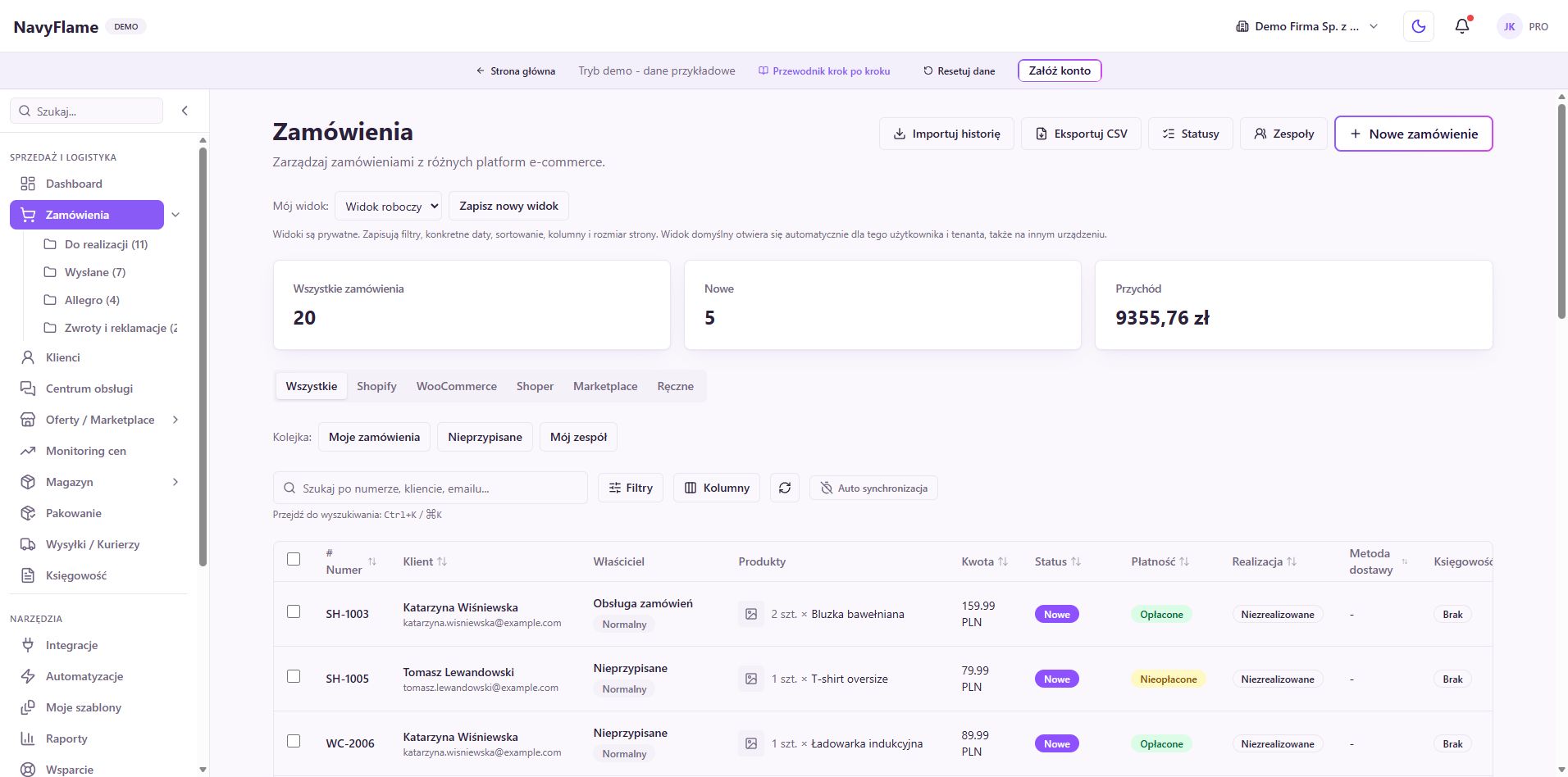
Orders in one panel
Orders placed on Empik are pulled into NavyFlame automatically. No more switching between marketplace panels.
Automatic invoices
Choose a supported accounting system and rule for Empik orders. Validate the resulting document in your workflow.
Listing export
Before publishing, confirm supported listing operations and required product data for Empik. API access does not guarantee every listing type.
Status and tracking back
Check supported statuses and carriers for Empik. Verify status and tracking updates in the seller panel.
One engine, many channels
Empik runs on the Mirakl platform. The same mechanism connects further Mirakl marketplaces alongside Allegro, Amazon or eBay.
Secure connection
We connect with your own seller API key over encrypted HTTPS. The key is stored encrypted and shared with nobody.
How do I connect Empik to my store?
- 1
Have an active Empik seller account
You need an approved Empik seller account and API permissions. Check current terms and fees with the operator.
- 2
Generate an API key
In the Empik seller panel open the API key section (usually under the profile icon) and generate a new key. Copy it in full.
- 3
Enter the key in NavyFlame
In the Integrations panel pick Empik, paste the API key and save. The API address is already filled in. Click Test connection to confirm the details right away.
- 4
Verify the first order and result
Enable the agreed order import scope for Empik. Compare data and results in the destination system. Enable further rules after this check succeeds.
Frequently asked questions
Select Empik in Integrations and enter your seller API key. Check the preset API address and connection test. Then configure import scope and validate your own order. We will confirm the complete workflow with you before automation.
Check Empik account terms and fees with the operator. NavyFlame monthly plans currently start at 99,99 PLN net. Review your selected plan and external service costs before purchase.
No. NavyFlame is an independent integration tool. We connect to Empik through the official API of the Mirakl platform it runs on, using your own seller API key.
To the system supported by your selected connection and rule. Before automation, verify buyer details, items, discounts, shipping, currency and absence of duplicates in the accounting system.
Yes. Empik is one of the marketplaces on the Mirakl platform. The same mechanism connects the others (Empik, Decathlon, Modivo, Leroy Merlin and so on), and each gets its own tile and its own connection.
NavyFlame is an independent integration tool. We are not affiliated with, sponsored by or authorised by Empik. The Empik name and related trade marks belong to their owners and are used here only to indicate what the integration is compatible with, running on the Mirakl platform.
Plan your Empik setup
Tell us your sales channel, accounting system and workflow. We will confirm the scope before connecting accounts.
- 28 days free
- Cancel whenever you want