
Marketplace
Mirakl integration for sellers: Empik and other platforms
Connect your seller account through the Mirakl API and check order import into NavyFlame. Empik and other operators share a mechanism but require separate accounts and scope validation during setup.
- 28 days free
- Set up in 5 minutes
- Cancel whenever you want


How to validate Mirakl before launch
Start with one seller account and one workflow. A successful API connection does not yet validate documents, listings or shipping.
- 1
Prepare an active Mirakl seller account and API access. Confirm the supported operator, market and write operations with us.
- 2
Check your own order: identifier, payment, items, discount, shipping and buyer details. Record differences before enabling further automation.
- 3
If invoicing or shipping is in scope, verify the result in the accounting system or operator panel too. Check retries for duplicates and how errors are handled.
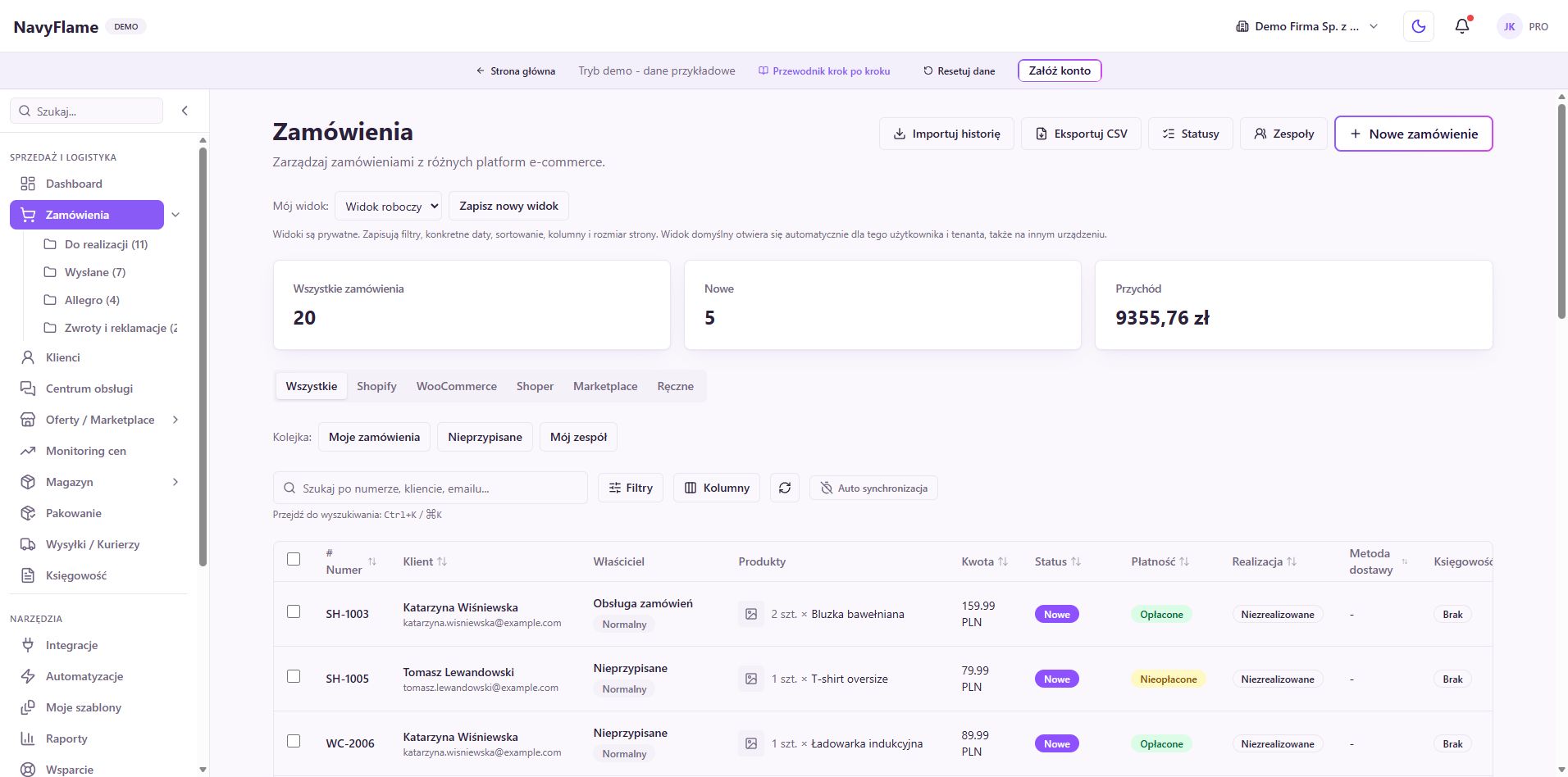
One integration, many marketplaces
Mirakl operators share an API mechanism. Connect each account separately and confirm the selected marketplace scope and requirements.
Order sync
Orders are fetched automatically through the official Mirakl API. Every paid order reaches NavyFlame and can generate an invoice.
Automatic VAT invoices
Choose a supported accounting connection and rule conditions. Validate your own order before automation.
Multiple currencies and countries
NavyFlame takes the currency from the order itself and carries it onto the document. On Polish markets (Empik, Decathlon, Modivo) that is PLN, and on foreign ones the currency of that market.
Corrections for returns
Confirm the supported refund and correction type for your accounting system. Verify the correction is linked to the original document.
A simple API key connection
Prepare the operator API address and seller key. The connection test is the first step; then check imported data and rule results.
How do I connect a Mirakl marketplace?
- 1
Choose the marketplace
Pick the Mirakl operator (Empik, Decathlon, Modivo, ePRICE or another) and provide its API address.
- 2
Connect with an API key
Generate an API key in the operator's seller panel and paste it into NavyFlame.
- 3
Choose your invoicing system
Connect a supported accounting system and define the rule and document trigger.
- 4
Validate your own order
Confirm imported order data and the result in the destination system. Expand automation after a successful check.
Invoicing in your own accounting system
Once a Polish accounting provider and invoicing rules are enabled, paid orders from Mirakl can create supported documents. Check tax ID and VAT handling with the provider; no document is issued without a configured integration.
Frequently asked questions
The catalog includes Empik, Decathlon and Modivo. Confirm scope for each operator and account before launch; a shared platform does not guarantee every operation.
Prepare an active seller account, API address and key. Add the connection in Integrations, check access and configure import scope. Validate your own order before automation.
Availability depends on the chosen system and rule. Confirm the accounting connection with us and verify the actual document before launch.
Yes. NavyFlame carries the currency the order arrived in onto the document. Polish markets (Empik, Decathlon, Modivo) settle in zloty, and foreign markets in their own currency, for example the Italian ePRICE in euro.
Refund and correction scope depends on the operator and accounting connection. Confirm it before launch and validate a case with its original document.
Connect a Mirakl marketplace to Polish invoicing
Set up in 5 minutes.
- 28 days free
- Cancel whenever you want