Product
Everything between the order and the parcel, in one panel
NavyFlame modules work together: an order triggers the invoice, the stock reservation, packing and the label. Every module is included in every plan.
Modules
Twelve modules, one subscription
No add-ons to buy. You turn on what you need, when you need it.
Orders
All channels on one list, custom statuses, folders and team views.
See details: OrdersInvoices and KSeF
Invoices and receipts from order data, in your accounting software.
See details: Invoices and KSeFShipping and labels
Courier labels, shipping rules, bulk printing and tracking.
See details: Shipping and labelsWarehouse and stock
Locations, variants, goods receipts and stock levels sent to channels.
See details: Warehouse and stockPicking and packing
Pick lists, scanner, parcel photos, document before closing.
See details: Picking and packingListings and catalog
Central catalog, linking listings by SKU, listing on channels.
See details: Listings and catalogCustomers and after-sales
Customer base from all channels, messages and returns from Allegro.
See details: Customers and after-salesReports
Sales, channels, bestsellers, returns, rotation. Export to CSV and XLSX.
See details: ReportsMonitoring
Integration health, automatic retries and an error queue.
See details: MonitoringAPI and webhooks
Public REST API with keys and signed webhooks.
See details: API and webhooksTeam and permissions
Roles, invitations and the organization event log.
Customer emails
Confirmations, shipping updates and invoices from your templates.
See details: Customer emails
How it works
How the modules work together on a single order
This is the path of an order from Allegro or your shop when your processes run in NavyFlame. You set the rules once, and the panel makes sure every step happens in the right order.
01 · Order
The order comes in on its own
Allegro, shops and marketplaces land on one list, together with payment and delivery method.
02 · Stock
Stock matches everywhere
Warehouse stock goes to your connected offers. With reservations, a sale lowers stock in the other channels right away.
03 · Invoice
The document is created from the order
The invoice or receipt goes to your accounting software. That software sends it to KSeF.
04 · Packing
Packing with a scanner
Every item is confirmed with a scan. The wrong item will not get through, and a photo of the parcel stays with the order.
05 · Shipping
Label and tracking number
A courier label from the order data. Shipping status goes back to the sales channel, and the customer gets an email with the tracking number.
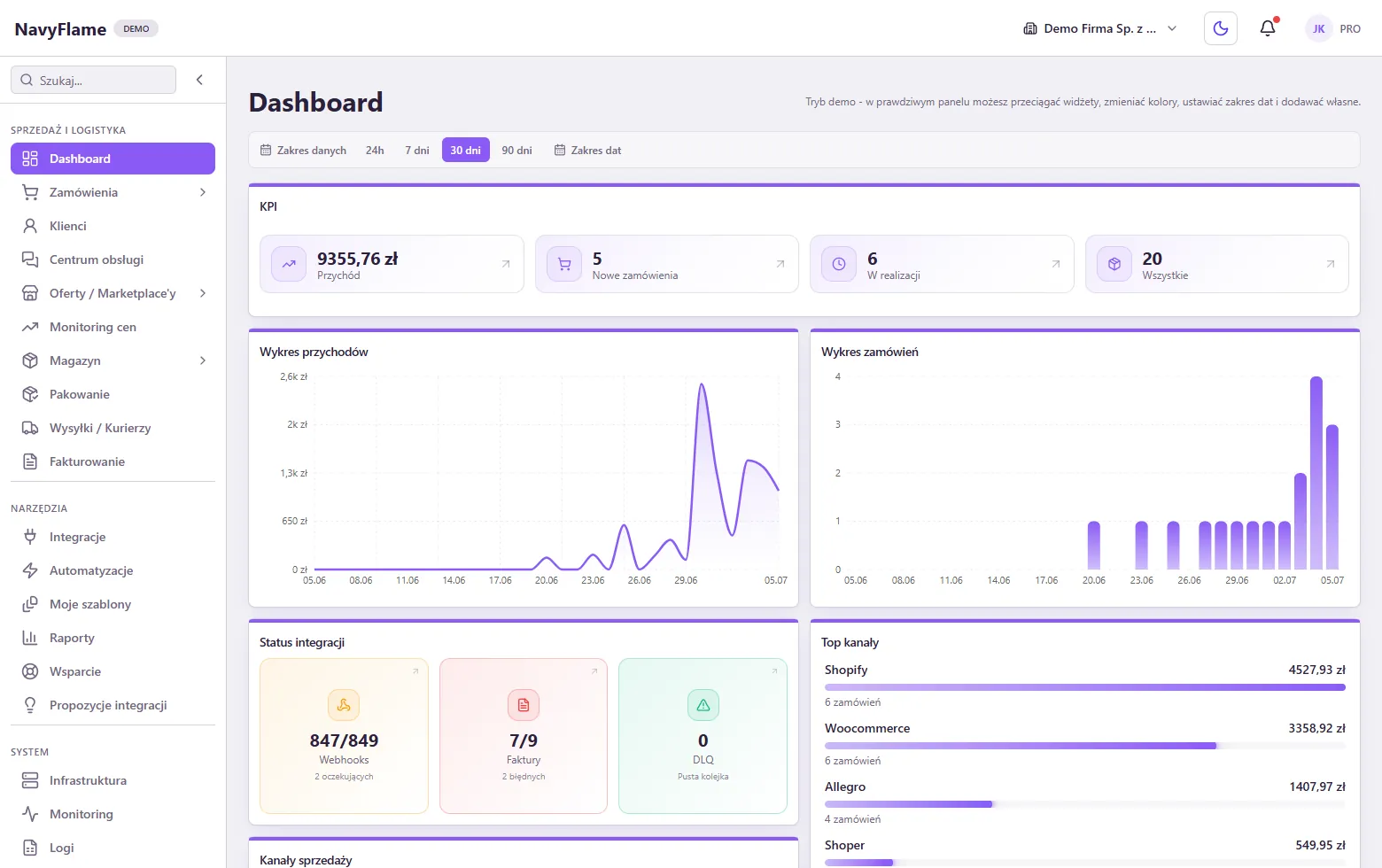
The demo runs in your browser, on sample data, with no account needed.
Security
Your data on your server
Every company in NavyFlame has its own server and its own database. Orders and buyer data do not sit in a shared database with other shops.
Data processing agreement and subprocessorsYour company's own server
In the European Economic Area.
Daily backups
Encrypted and stored off the server.
Roles and permissions
Everyone sees only what they need.
Event log
A trace of every change in the organization.
See the modules on your own orders
28 days of the full version, no card. We will help you choose and set up your first process.
- No payment card
- Onboarding help included
- Cancel whenever you want