
Anthropic (Claude) + NavyFlame
Anthropic Claude integration with NavyFlame
Use Claude to work on product content in NavyFlame. Your Anthropic API key connects generation tools to the model selected in settings.
- 28 days free
- Set up in 5 minutes
- Cancel whenever you want
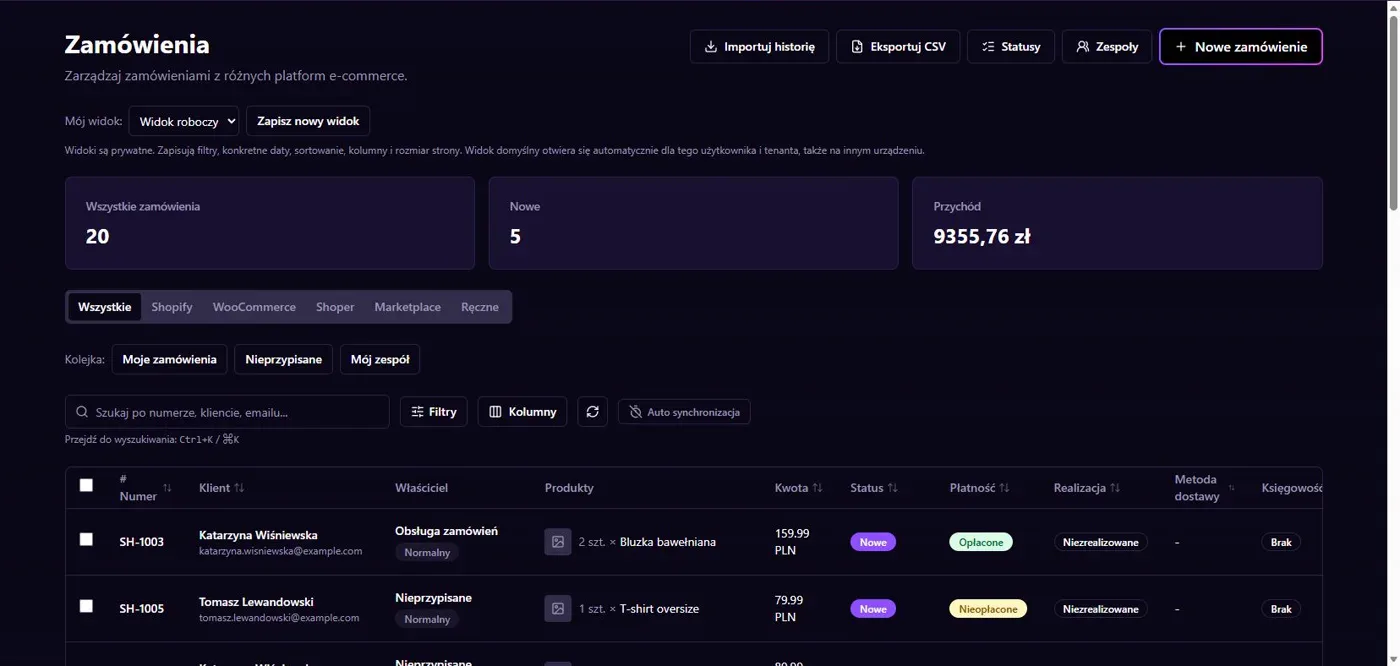
Results in NavyFlame
- Descriptions and translations with Claude
- Settings and editorial review
Descriptions and translations with Claude
The Anthropic service sends prompts to the Messages API. It supports text and image input in tools that provide images. The quality of a description or translation depends on the information supplied. Provide specific attributes and style requirements instead of asking the model to infer unknown technical parameters. Check that commercial claims match the product.
Settings and editorial review
Model selection and available generation options come from the NavyFlame catalog. Check model access on your Anthropic account. API billing belongs to the supplier and is not established by connecting the integration. Review numbers, names and consistency with images before saving output. Generated text is not evidence that the product has a particular feature.
Setup
How to connect Anthropic (Claude) to NavyFlame
We will help with every step, also during the trial.
Prepare access
Prepare an Anthropic API key and confirm access to the chosen Claude model.
Add the connection
Open Integrations in NavyFlame, select Anthropic (Claude) and add an account. Save the required details and check the connection before starting the process.
Choose the scope
Save the key in the Anthropic integration. Select provider, model and instructions for the chosen product text.
Check the result
Compare the Claude draft with source text and parameters. Check translation meaning before using the result.
Related integrations
Check the scope of separate connections for your process. An available connector does not mean every pair of systems is supported.
FAQ
Questions about the Anthropic (Claude) integration
Can I connect the Claude application without API access?
The integration needs an Anthropic API key and access to the relevant model. Application access alone does not replace API setup.
Can images replace technical product data?
No. Images can be input in a supporting tool but do not confirm every parameter. Review output against product documentation.
Does saving credentials enable every operation?
No. The connection, account permissions and process rules serve separate purposes. Enable the scope you need and check the result before proceeding.
Explore NavyFlame before connecting your account
Try the demo panel, then configure the connection and verify your chosen process with your own account.