

Medusa.js + NavyFlame
Medusa.js integration with NavyFlame
Connect a Medusa Admin API v2 store to NavyFlame. Choose price authority, stock location and order settings that match how your store works.
- 28 days free
- Set up in 5 minutes
- Cancel whenever you want
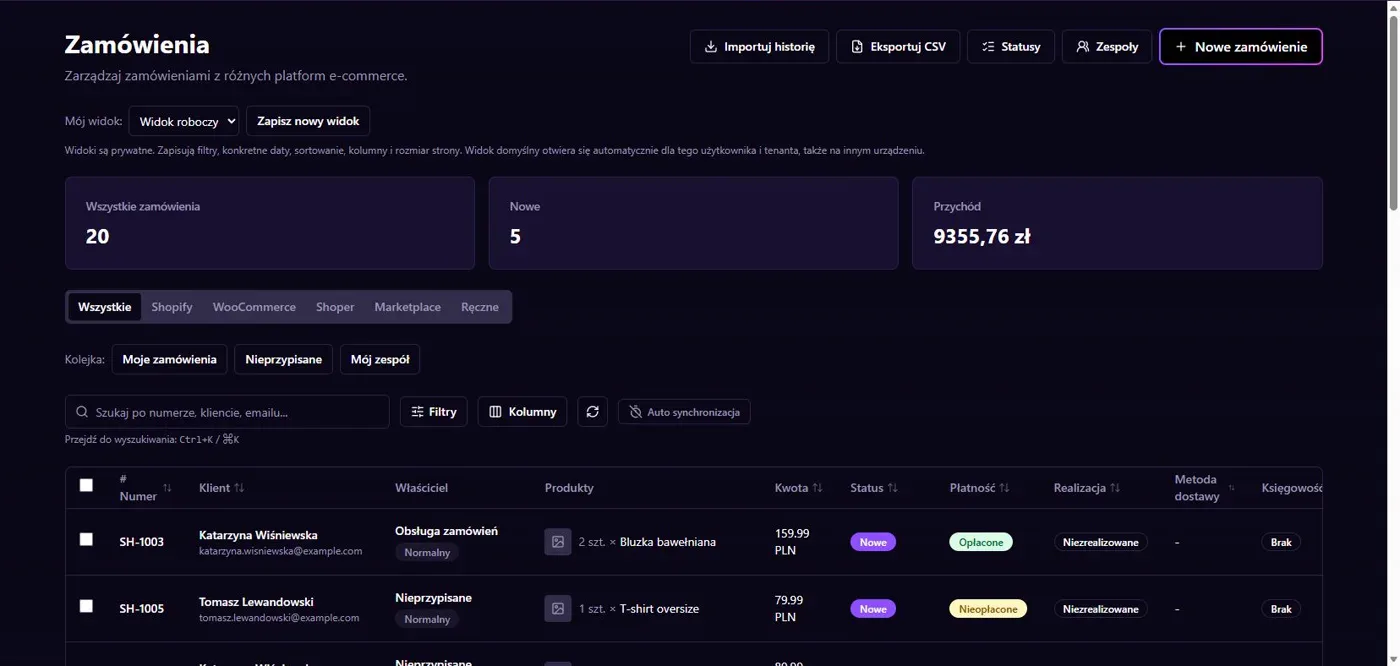
Results in NavyFlame
- Catalog, currency and stock location
- Orders and shipment fulfillment
Catalog, currency and stock location
The connector reads Medusa products and variants and supports catalog writes when enabled. Prices require an explicit currency and tax basis; stock needs the correct inventory location. Configure price and stock directions separately. This lets the store and NavyFlame warehouse use an agreed source for each value rather than overwrite one another.
Orders and shipment fulfillment
Order imports have their own mode and buyer tax ID settings. Shipment writeback requires permission and a Medusa shipping option. Status writes, post-sale processing and events have separate settings. Check how the store fulfills orders and sends notifications before enabling these operations together. A connection alone does not select the complete process.
Setup
How to connect Medusa.js to NavyFlame
We will help with every step, also during the trial.
Prepare access
Prepare the Medusa Admin API v2 URL and API key. Confirm catalog currency, tax region and stock location.
Add the connection
Open Integrations in NavyFlame, select Medusa.js and add an account. Save the required details and check the connection before starting the process.
Choose the scope
Choose order mode and price and stock directions. Select the store shipping option before enabling shipment writeback.
Check the result
Check one product variant and one order. Compare price, quantity at the chosen location and buyer data.
Related integrations
Check the scope of separate connections for your process. An available connector does not mean every pair of systems is supported.
FAQ
Questions about the Medusa.js integration
Does this connector target Medusa v1?
This integration uses Medusa Admin API v2. Do not assume compatibility with the v1 API.
Can I choose the source of prices and stock?
Yes. Directions and stock location are connection settings. Writing also requires the corresponding features to be enabled.
Does saving credentials enable every operation?
No. The connection, account permissions and process rules serve separate purposes. Enable the scope you need and check the result before proceeding.
Explore NavyFlame before connecting your account
Try the demo panel, then configure the connection and verify your chosen process with your own account.