
QuickClick + NavyFlame
QuickClick wholesale integration with NavyFlame
Populate your warehouse from an individual QuickClick XML feed. Connector mappings account for the product and pricing format used by the supplier.
- 28 days free
- Set up in 5 minutes
- Cancel whenever you want
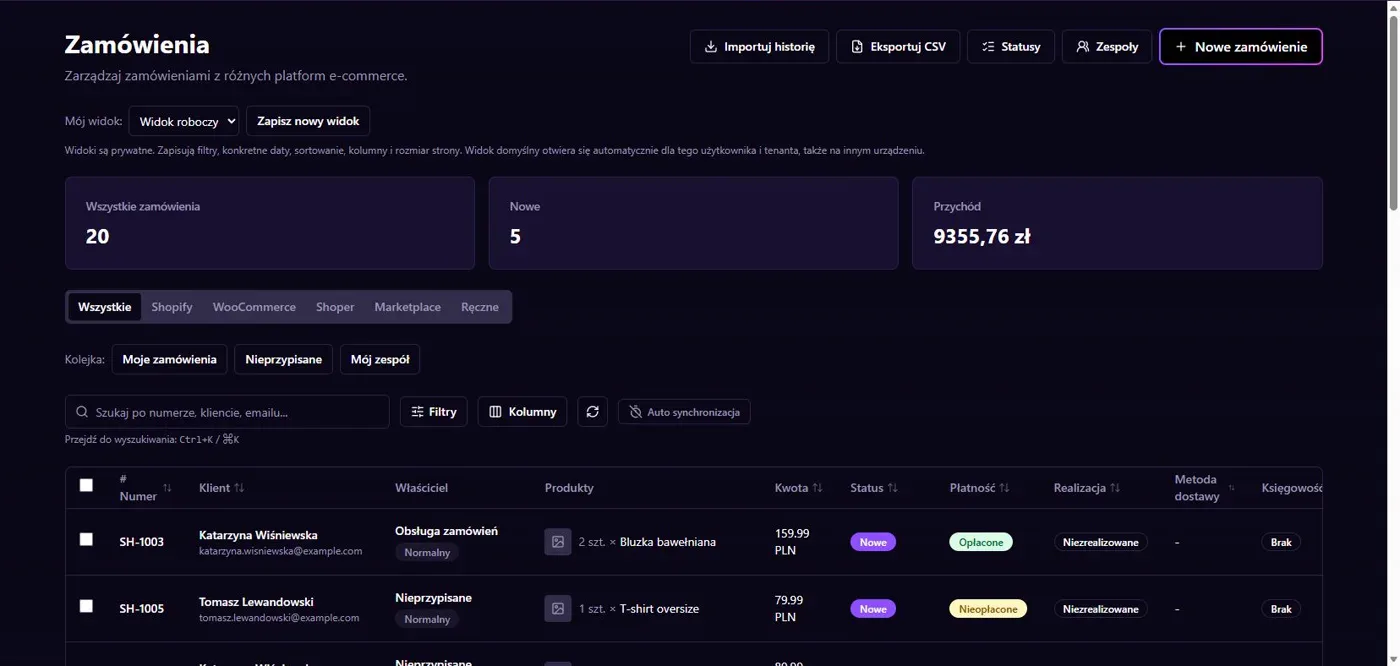
Results in NavyFlame
- Products and wholesale prices
- Availability and scheduled updates
Products and wholesale prices
Import reads product ID, title, gross B2B price and VAT. It can also import manufacturer, description, images and category. The default SKU prefix is QC_, helping identify the source of goods. Obtain your individual XML URL from QuickClick and check that it contains pricing terms for your own B2B account.
Availability and scheduled updates
The mapping reads available quantity from the supplier feed. Values reflect the latest successful import, not a stock reservation with the wholesaler. Choose an import schedule and target warehouse, then check units and prices before linking listings. XML import does not automatically place purchase orders or arrange dropshipping fulfillment with QuickClick.
Setup
How to connect QuickClick to NavyFlame
We will help with every step, also during the trial.
Prepare access
Obtain your individual QuickClick XML URL and confirm access to your B2B account offer.
Add the connection
Open Integrations in NavyFlame, select QuickClick and add an account. Save the required details and check the connection before starting the process.
Choose the scope
Select QuickClick, the target warehouse and import schedule. Check SKU prefix and gross price and VAT mapping.
Check the result
Compare several feed products: identifiers, price, VAT, quantity and images. Check the last successful import time.
FAQ
Questions about the QuickClick integration
Does importing place a wholesale order?
No. This process imports catalog and availability data. Purchasing goods and arranging fulfillment remain separate actions.
Does imported quantity mean reserved stock?
No. It is the quantity supplied in the latest imported feed. A supplier reservation requires a separate arrangement.
Does saving credentials enable every operation?
No. The connection, account permissions and process rules serve separate purposes. Enable the scope you need and check the result before proceeding.
Explore NavyFlame before connecting your account
Try the demo panel, then configure the connection and verify your chosen process with your own account.