Base Courier (BLPaczka) + NavyFlame
Base Courier, BLPaczka integration with NavyFlame
Create Polish domestic shipments from NavyFlame orders through your Base Courier account. Check the service and quote before preparing a label.
- 28 days free
- Set up in 5 minutes
- Cancel whenever you want
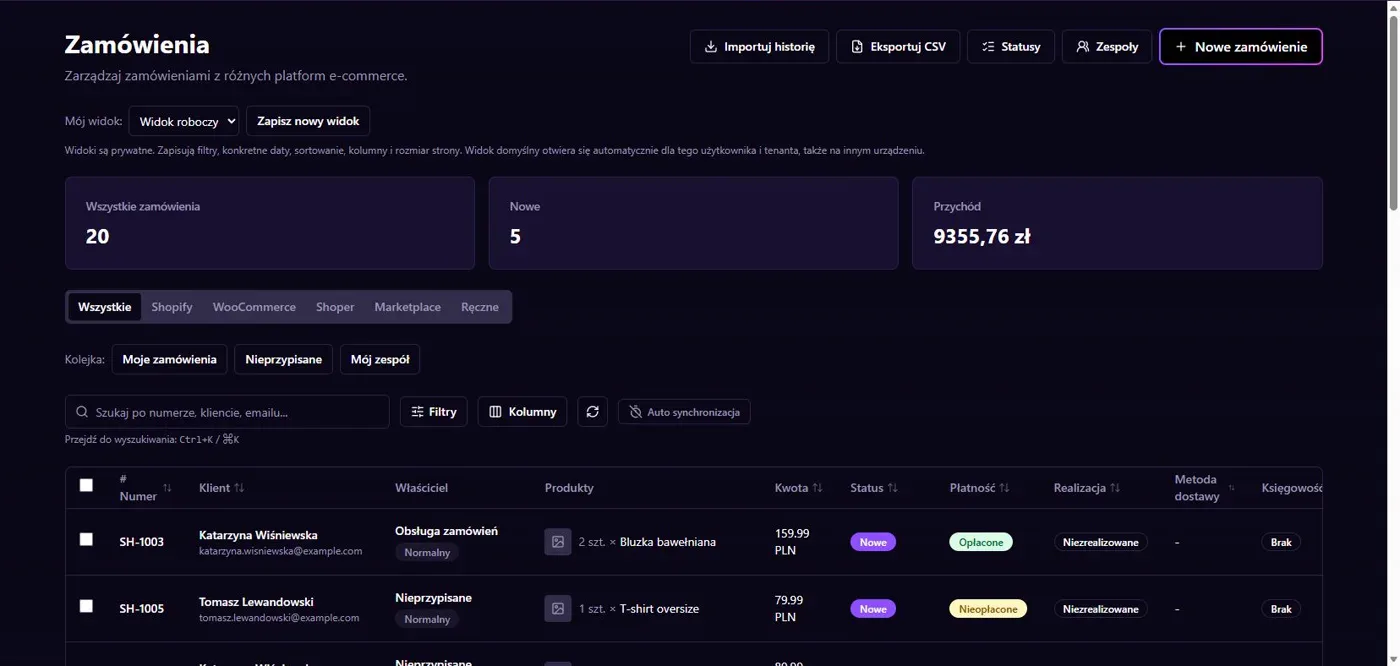
Results in NavyFlame
- From quote to PDF label
- Collection points and account options
From quote to PDF label
The BLPaczka connector reads available services, obtains a shipment quote and creates the shipment. After acceptance it can retrieve a PDF label and read shipment status. Service availability comes from the broker account. Verify addresses, weight and parcel dimensions because they affect pricing and whether the shipment can be created.
Collection points and account options
The integration includes collection point search. Configure paper format, payment and pickup options for the account. Cash on delivery requires a correct bank account. Sandbox is a separate environment whose access must be checked. A successful connection check does not prove that a production parcel has been collected by the carrier.
Setup
How to connect Base Courier (BLPaczka) to NavyFlame
We will help with every step, also during the trial.
Prepare access
Prepare the Base Courier login and API key. Deliberately choose production or sandbox.
Add the connection
Open Integrations in NavyFlame, select Base Courier (BLPaczka) and add an account. Save the required details and check the connection before starting the process.
Choose the scope
Set label format, payment, sender details and pickup options. Check the bank account for cash on delivery.
Check the result
Quote a controlled parcel and review its service and downloaded PDF. Compare the shipment number with the broker account.
Related integrations
Check the scope of separate connections for your process. An available connector does not mean every pair of systems is supported.
FAQ
Questions about the Base Courier (BLPaczka) integration
Can I choose a collection point?
The connector supports point search. Use a point compatible with the selected service and broker account availability.
Does sandbox prove production readiness?
No. The environments have separate access. Production shipment creation, payment and collection need their own confirmation.
Does saving credentials enable every operation?
No. The connection, account permissions and process rules serve separate purposes. Enable the scope you need and check the result before proceeding.
Explore NavyFlame before connecting your account
Try the demo panel, then configure the connection and verify your chosen process with your own account.