

OpenCart + NavyFlame
OpenCart integration with NavyFlame
Connect OpenCart to shared order and warehouse processing. The NavyFlame store module provides operations that you enable for a specific connection.
Orders and catalog, with separate account and module permissions for stock, base price, status and tracking writes. Financial documents require account consent and a linked accounting account. The store module must support the operation.
- 28 days free
- Set up in 5 minutes
- Cancel whenever you want
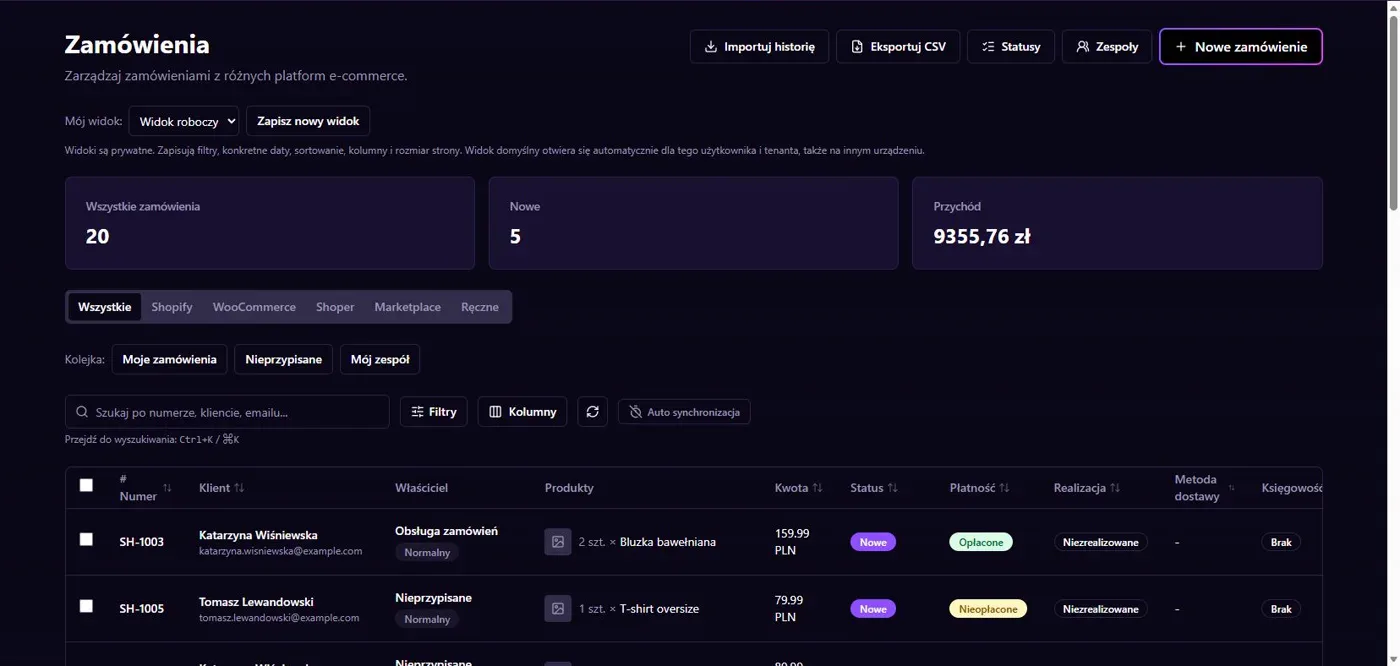
Results in NavyFlame
- Store module and data imports
- Stock, base price and order handling
Store module and data imports
The integration uses the NavyFlame module for OpenCart. The repository includes versions for OpenCart 3.0.4.1 and 4.1.0.4. Reading covers orders and product catalog data. Check the currency and tax rules during setup so that product prices have a clear basis. Standard OpenCart administration access does not replace module installation.
Stock, base price and order handling
The connector can write stock, base price, statuses and tracking numbers after separate account and module consent. The installed module version must support each selected operation. Financial documents require separate permission and an accounting account. Choose the source of stock and prices before enabling the relevant data direction.
Setup
How to connect OpenCart to NavyFlame
We will help with every step, also during the trial.
Prepare access
Install the NavyFlame module matching your OpenCart version. Prepare the store URL and credentials required by the module.
Add the connection
Open Integrations in NavyFlame, select OpenCart and add an account. Save the required details and check the connection before starting the process.
Choose the scope
Enable order imports and check module permissions. Allow stock, prices, statuses or tracking writes separately.
Check the result
Compare a product and order with the store. Check the tax-inclusive price and a controlled order status change.
Related integrations
Check the scope of separate connections for your process. An available connector does not mean every pair of systems is supported.
FAQ
Questions about the OpenCart integration
Is the standard OpenCart API enough?
This connector requires the NavyFlame store module. The installed module must support every operation you enable.
Are financial documents enabled immediately?
No. They require separate account permission and a linked accounting account, together with the appropriate invoicing rules.
Does saving credentials enable every operation?
No. The connection, account permissions and process rules serve separate purposes. Enable the scope you need and check the result before proceeding.
Explore NavyFlame before connecting your account
Try the demo panel, then configure the connection and verify your chosen process with your own account.