
FakturaXL + NavyFlame
FakturaXL integration with NavyFlame
Create FakturaXL documents from orders handled in NavyFlame. Match document and payment settings to the specific accounting account.
Invoices and PrestaShop return corrections through FakturaXL API. WZ needs a selected warehouse; receipts and payment synchronisation have separate settings. FakturaXL handles KSeF submission.
- 28 days free
- Set up in 5 minutes
- Cancel whenever you want
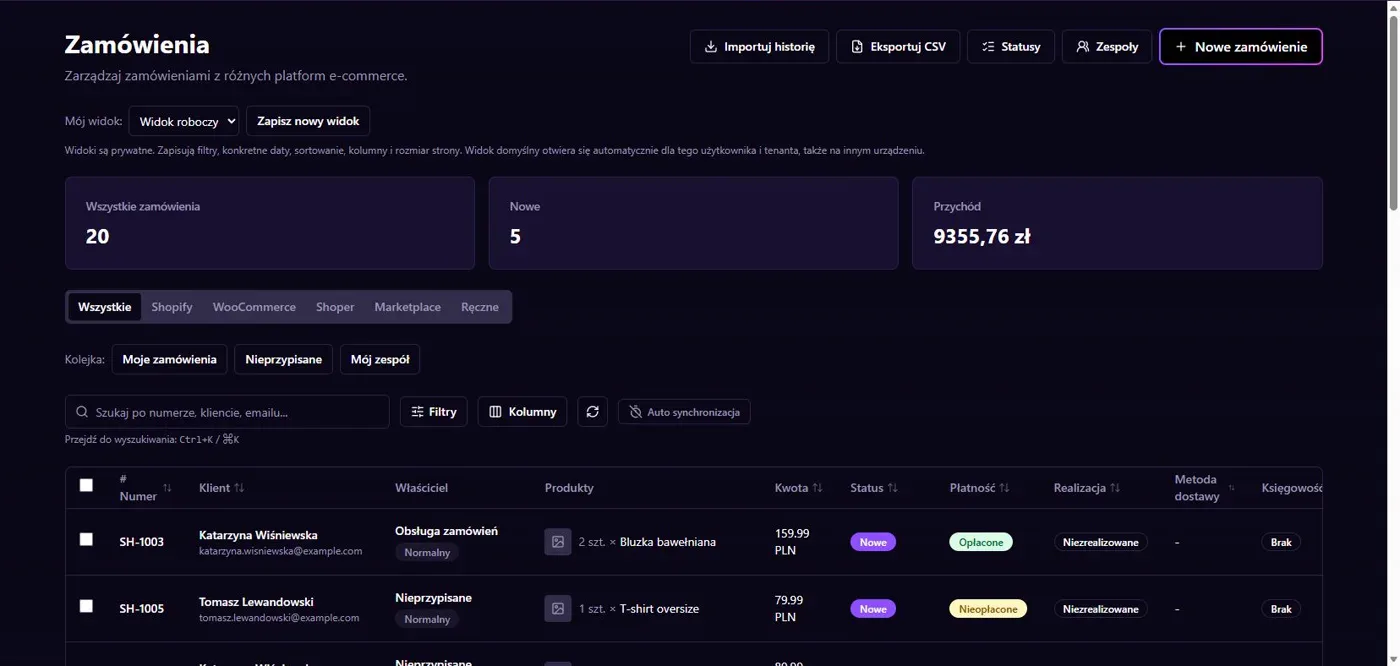
Results in NavyFlame
- Order data on an invoice
- Corrections and warehouse documents
Order data on an invoice
The connector uses the official FakturaXL API to pass buyer data, line items and document amounts. Account settings include department, payment method, payment deadline and recipient role. Check seller details and calculation rules before enabling automation. An API token provides access but does not determine which orders should produce documents.
Corrections and warehouse documents
The integration has a correction path for PrestaShop returns. Automatic WZ warehouse issues require an explicit FakturaXL warehouse. Receipt and payment synchronisation settings are separate, so enable only the operations you need. FakturaXL handles KSeF submission. Confirm the issued document and its supplier status rather than relying on a submitted request alone.
Setup
How to connect FakturaXL to NavyFlame
We will help with every step, also during the trial.
Prepare access
Prepare the FakturaXL API token, seller tax ID and department. Identify the account warehouse if you need WZ documents.
Add the connection
Open Integrations in NavyFlame, select FakturaXL and add an account. Save the required details and check the connection before starting the process.
Choose the scope
Set payment term, method and recipient role. Choose which orders enter the invoicing rule.
Check the result
Compare an issued invoice with its order. For a PrestaShop return, verify the correction link to the original and its line amounts.
Related integrations
Check the scope of separate connections for your process. An available connector does not mean every pair of systems is supported.
FAQ
Questions about the FakturaXL integration
Are corrections available for returns from every channel?
The correction path described here covers PrestaShop returns. Do not assume automatic handling of other sources without checking their process.
Does automatic WZ need a warehouse?
Yes. Automatic WZ requires a warehouse explicitly selected for that FakturaXL account. The API token does not select one.
Does saving credentials enable every operation?
No. The connection, account permissions and process rules serve separate purposes. Enable the scope you need and check the result before proceeding.
Explore NavyFlame before connecting your account
Try the demo panel, then configure the connection and verify your chosen process with your own account.