
PC Market (Insoft) + NavyFlame
PC Market connected to online sales without middlemen
PC Market (Insoft) stays the master warehouse and product catalogue of your business, while NavyFlame becomes the sales hub: assortments, prices and stock flow to marketplaces, and online orders return to PC Market as customer order documents. No BaseLinker, no manual stock juggling.
- 28 days free
- Set up in 5 minutes
- Cancel whenever you want
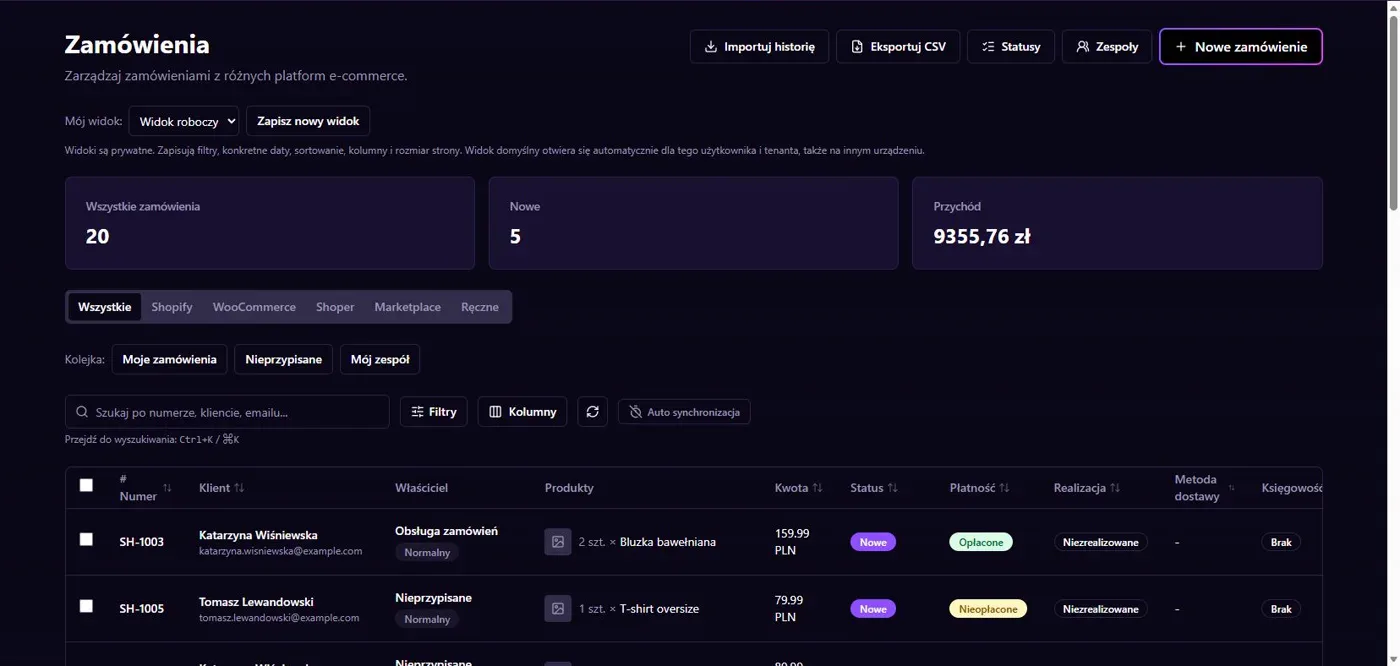
Results in NavyFlame
- Assortments as categories
- Stock updated after in-store sales
- Orders as customer order documents
- Reservations in unpaid orders
Scope
What works with PC Market (Insoft)
Assortments as categories
The assortment tree from PC Market lands in NavyFlame as a category tree, and every item flagged send to the online store joins the sales catalogue.
Prices by level
Publish the price level you choose from the item card; price updates from PC Market reach the marketplaces automatically.
Stock with warehouse mapping
Stock flows from PC Market according to your warehouse mapping. Changes after in-store sales reach online processing with the next successful data exchange.
Orders as documents
Orders from Allegro, Ceneo and your shop arrive in PC Market as customer order documents, matched by EAN or SKU.
Status and payment mapping
Map order statuses and payment forms once; a fulfilment status change in PC Market flows back to the sales channel.
Stock reservations
PC Market can reserve stock already in unpaid orders, so an Allegro purchase with time to pay blocks the stock in your warehouse.
Oversell protection
When stock from PC Market stops refreshing, NavyFlame pauses stock publication on marketplaces to reduce the risk of selling against outdated quantities.
Setup
How to connect PC Market to NavyFlame
- 01
Generate a token in NavyFlame
In the NavyFlame panel open Integrations, PC Market (Insoft) and click Generate token. Copy it right away - it is shown only once.
- 02
Paste the API address and token in PC Market
In PC Market open Control, Configuration, BaseLinker Integration Wizard. Paste the address from the NavyFlame panel into the API address field and the generated token into the token field.
- 03
Select the sync elements
In the wizard select assortments, items with prices flagged send to the online store, and stock by warehouse mapping. Fill in the status and payment mappings.
- 04
Save and check the status
Save the configuration with F2 and return to the NavyFlame panel. The status card confirms catalog, prices and stock are flowing and orders are being pulled by PC Market.
Related integrations
Check the scope of separate connections for your process. An available connector does not mean every pair of systems is supported.
FAQ
Frequently asked questions
No. NavyFlame takes over its role: PC Market sends catalog, prices and stock to NavyFlame, and orders from sales channels return to PC Market as customer order documents.
No. The connection works through the PC Market integration service (Data Exchange with Online Store Expert module), which connects to NavyFlame with an API address and a token generated in the panel.
By SKU or EAN code, in a mode you choose in the NavyFlame panel. Set it to match the item matching option in PC Market so both sides look in the same field.
Yes. PC Market sends current stock after every change, including in-store sales, and NavyFlame publishes it on the connected sales channels.
Stock reservation is handled by PC Market on its side. In the NavyFlame panel you enable exporting unpaid orders so PC Market can reserve stock from the moment the order is placed.
NavyFlame watches stock freshness. When the feed from PC Market disappears, stock publication is paused to reduce the risk of using outdated quantities.
The integration serves a single PC Market store database, matching how the Insoft module is designed. Orders from multiple sales channels land in that one database.
Move online sales from PC Market to marketplaces without BaseLinker
Create a NavyFlame account, connect PC Market in a few minutes and see on a free trial how catalog, stock and orders work together.
- 28 days free
- Cancel whenever you want