
sStore / S-Story + NavyFlame
sStore and S-Story integration with NavyFlame
Bring sStore orders into NavyFlame and work with a linked catalog. Reading and writing depend on the store WebAPI and the consent saved for each account.
Orders and catalog, with account permissions for stock, prices, options and tracking numbers. Financial documents need account consent and a linked accounting account. Write scope depends on the store WebAPI.
- 28 days free
- Set up in 5 minutes
- Cancel whenever you want
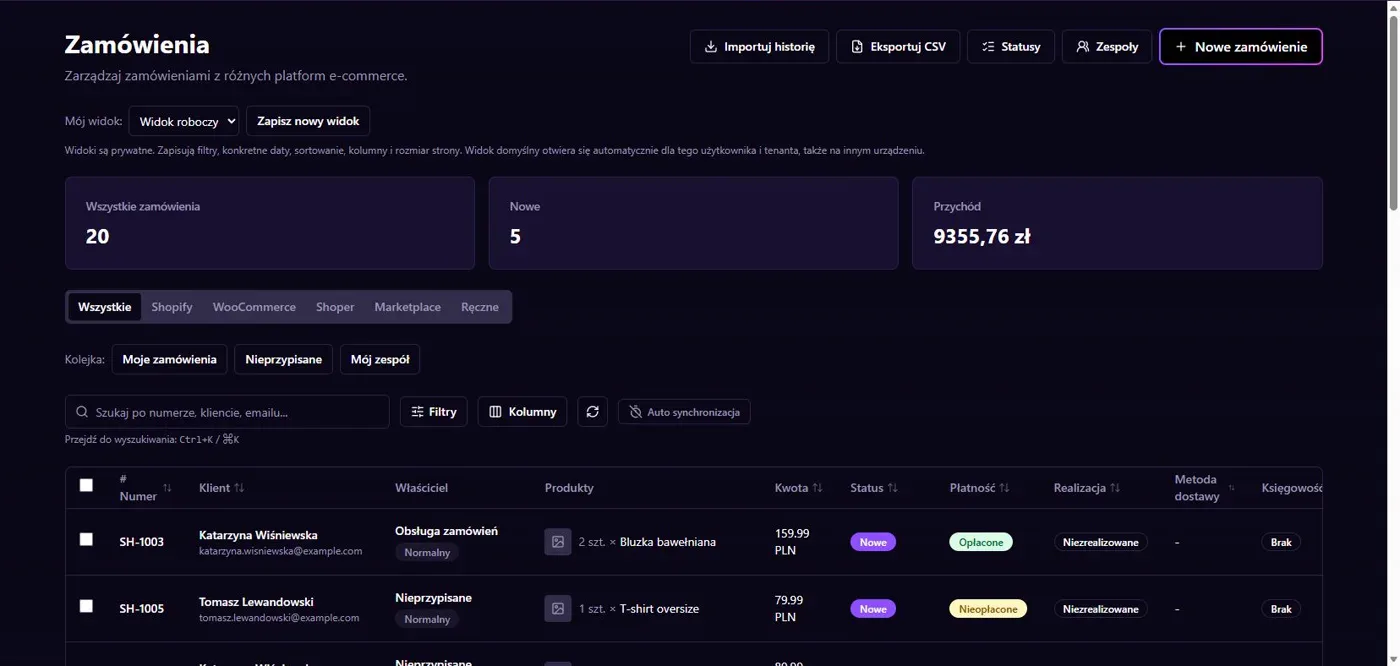
Results in NavyFlame
- Orders and product options
- Controlled writes to the store
Orders and product options
The connector reads orders and products through sStore WebAPI. Product option reading has its own setting. Linking store items to warehouse products identifies the correct goods during order processing. Set the currency, source time zone and shipping tax to match the store so that imported values retain their meaning.
Controlled writes to the store
Stock and price updates require separate permissions. Shipment numbers are supported within the store WebAPI scope. Financial documents require explicit consent and a linked accounting account. The connector is not a full product editor: do not assume that every catalog field can be changed through the available API operations.
Setup
How to connect sStore / S-Story to NavyFlame
We will help with every step, also during the trial.
Prepare access
Prepare the store URL and WebAPI username and password. Confirm currency, time zone and shipping tax.
Add the connection
Open Integrations in NavyFlame, select sStore / S-Story and add an account. Save the required details and check the connection before starting the process.
Choose the scope
Enable orders and option reading where needed. Configure stock writes, price writes and financial documents separately.
Check the result
Compare an order containing a product option with the store. Check shipping amounts and SKU links before enabling updates.
Related integrations
Check the scope of separate connections for your process. An available connector does not mean every pair of systems is supported.
FAQ
Questions about the sStore / S-Story integration
Does the connector create every sStore product?
It reads the catalog and writes supported stock and price changes. It does not provide unrestricted product creation and editing.
What do financial documents require?
Separate account consent, a linked accounting system and support for the operation in the store WebAPI. Order imports alone are not enough.
Does saving credentials enable every operation?
No. The connection, account permissions and process rules serve separate purposes. Enable the scope you need and check the result before proceeding.
Explore NavyFlame before connecting your account
Try the demo panel, then configure the connection and verify your chosen process with your own account.