

Resend + NavyFlame
Resend integration with NavyFlame
Send buyer messages through your Resend account connected to NavyFlame. Use templates and rules appropriate to your order process.
- 28 days free
- Set up in 5 minutes
- Cancel whenever you want
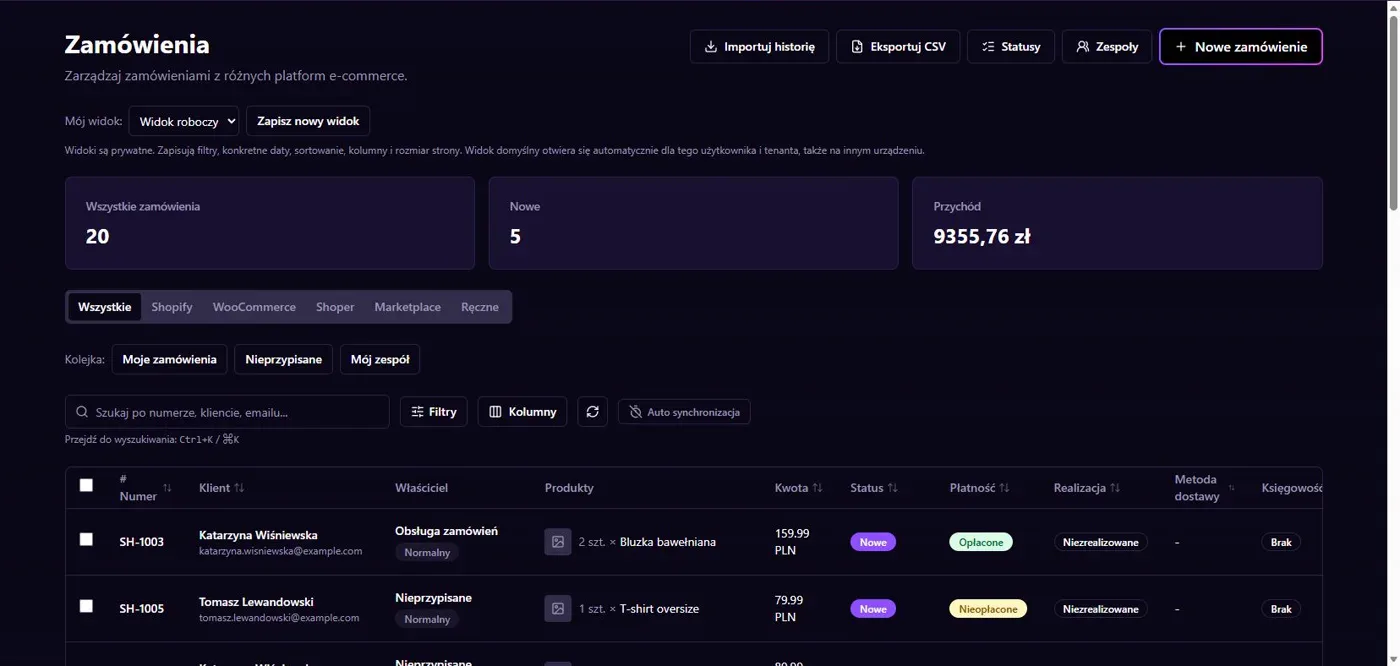
Results in NavyFlame
- Messages through Resend API
- Sending rules and provider results
Messages through Resend API
The NavyFlame mail transport passes messages to Resend API. It needs an account key and a sender permitted by the supplier. A configured template can use order data. Check subject, recipient, variable values and links before enabling a rule. Sender and domain approval belong to the supplier account and must be completed there.
Sending rules and provider results
Connecting Resend does not send messages for every order. Choose the event and template in the appropriate process. API acceptance does not guarantee inbox delivery. Check the result in NavyFlame and investigate domain, allowance and delivery problems in Resend too. Use a controlled recipient before enabling messages for actual buyers.
Setup
How to connect Resend to NavyFlame
We will help with every step, also during the trial.
Prepare access
Prepare a Resend API key and a sender address permitted on the account.
Add the connection
Open Integrations in NavyFlame, select Resend and add an account. Save the required details and check the connection before starting the process.
Choose the scope
Save the key and choose sender and template in the message process. Select the event that should trigger sending.
Check the result
Send a controlled message to your own address. Check subject, content, variables and the Resend submission result.
Related integrations
Check the scope of separate connections for your process. An available connector does not mean every pair of systems is supported.
FAQ
Questions about the Resend integration
Does connecting Resend enable all communication?
No. It supplies a mail transport. The process, rule, recipient and template determine what gets sent.
Does API success confirm email receipt?
No. It confirms supplier acceptance of the request. Check the test inbox and provider delivery information.
Does saving credentials enable every operation?
No. The connection, account permissions and process rules serve separate purposes. Enable the scope you need and check the result before proceeding.
Explore NavyFlame before connecting your account
Try the demo panel, then configure the connection and verify your chosen process with your own account.