

SMSAPI.pl + NavyFlame
SMSAPI.pl integration with NavyFlame
Send buyer notifications through your own SMSAPI.pl account. Choose sender and message rules for orders and shipments.
- 28 days free
- Set up in 5 minutes
- Cancel whenever you want
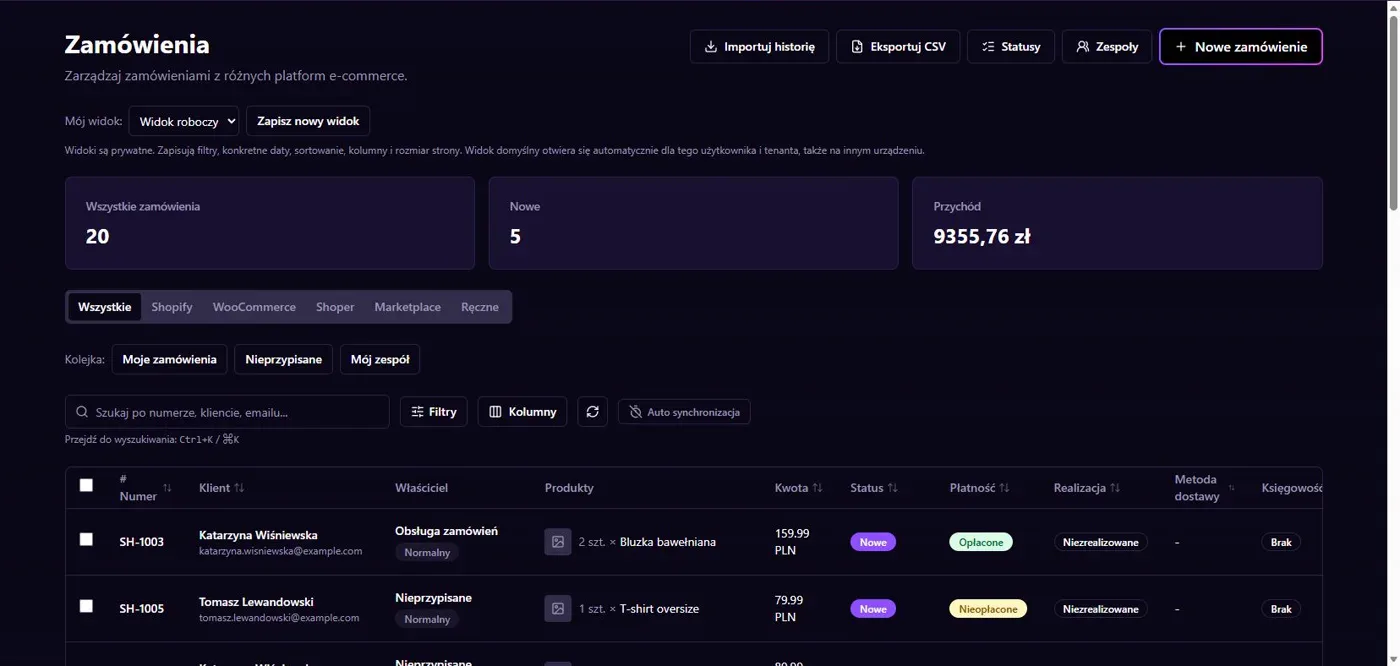
Results in NavyFlame
- Confirmation and shipment number
- Sender and diacritics
Confirmation and shipment number
Supported messages cover order confirmation and the shipment number after shipment creation. They require a recipient phone number and an enabled sending process. Connecting the account does not authorise every message. Check rule conditions and content so that the right buyer receives the right information at the right moment in order processing.
Sender and diacritics
SMSAPI configuration includes access token, sender name and a diacritic removal option. Character selection can affect message segmentation and supplier billing. Acceptance of an SMS request does not confirm that the buyer read it. Check status information and cost on your SMSAPI account before enabling higher volume sending, and review the actual message on a phone.
Setup
How to connect SMSAPI.pl to NavyFlame
We will help with every step, also during the trial.
Prepare access
Prepare the SMSAPI access token and a sender name permitted on your account.
Add the connection
Open Integrations in NavyFlame, select SMSAPI.pl and add an account. Save the required details and check the connection before starting the process.
Choose the scope
Save the token, set the sender and choose the diacritic option. Enable the required order or shipment notification rule.
Check the result
Check message content and recipient on a controlled order. Send to your own phone and verify the result.
Related integrations
Check the scope of separate connections for your process. An available connector does not mean every pair of systems is supported.
FAQ
Questions about the SMSAPI.pl integration
Does the integration send an SMS for every order?
Only when the relevant process and rule are enabled and recipient data is available. Saving a token does not enable all sending.
Can I retain Polish characters?
SMSAPI configuration has a diacritic removal option. Choose it deliberately and check message length and supplier billing.
Does saving credentials enable every operation?
No. The connection, account permissions and process rules serve separate purposes. Enable the scope you need and check the result before proceeding.
Explore NavyFlame before connecting your account
Try the demo panel, then configure the connection and verify your chosen process with your own account.