

Google Gemini + NavyFlame
Google Gemini integration with NavyFlame
Prepare product content with Google Gemini in NavyFlame. Choose an available model and use the API key from your own supplier account.
- 28 days free
- Set up in 5 minutes
- Cancel whenever you want
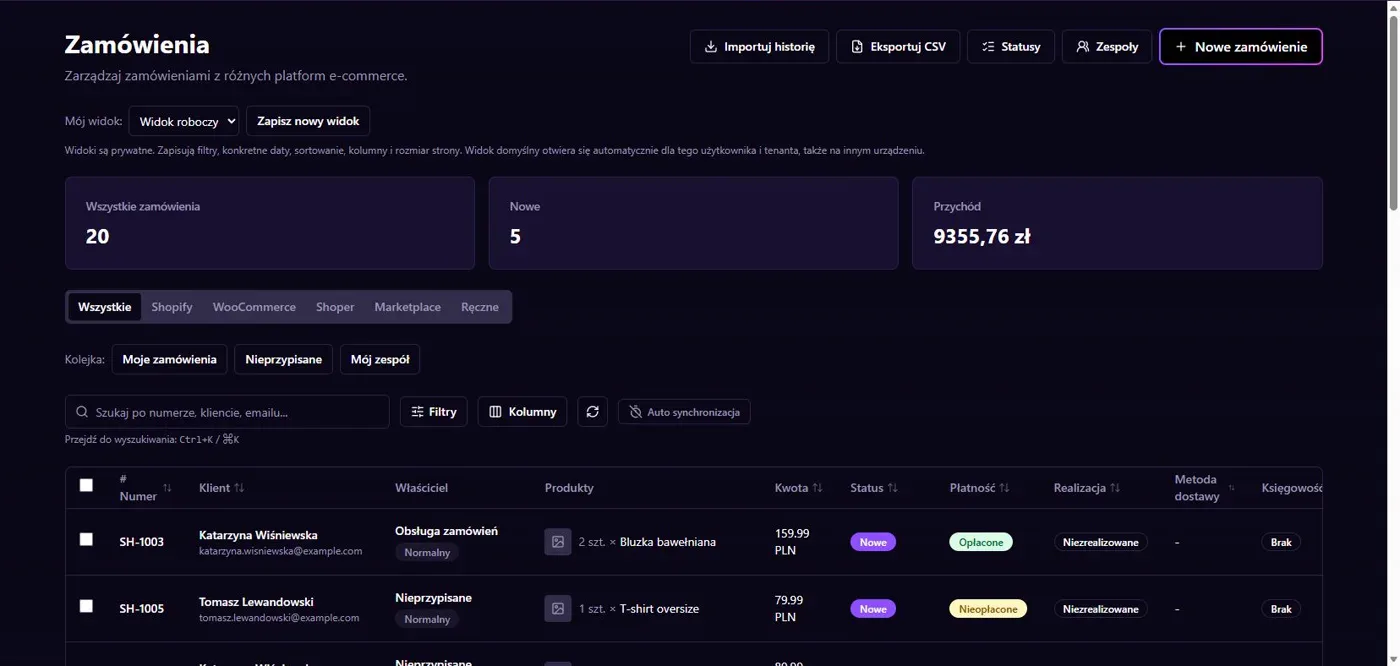
Results in NavyFlame
- Text and images for product content
- Model access and quality control
Text and images for product content
The Gemini adapter uses the generateContent API. It supports text generation and image input in tools that supply images. Prepare a description or translation from product data and a clear instruction. Specify language, format and facts that must remain unchanged, including dimensions and model names. This helps keep the output tied to the actual goods.
Model access and quality control
Choose available models from the NavyFlame catalog. Usage rights and limits depend on your Google account. Check API billing separately from the NavyFlame subscription. Compare generated content with the source. Connecting Gemini does not automatically publish listings or ensure that a description meets the rules of a particular marketplace. Review both facts and presentation before saving.
Setup
How to connect Google Gemini to NavyFlame
We will help with every step, also during the trial.
Prepare access
Prepare a Google Gemini API key with access to the model selected in NavyFlame.
Add the connection
Open Integrations in NavyFlame, select Google Gemini and add an account. Save the required details and check the connection before starting the process.
Choose the scope
Save the key in the Google Gemini integration. Choose provider, model and product content instructions.
Check the result
Generate a short description and check parameters, language and format. Approve it after comparison with the source.
Related integrations
Check the scope of separate connections for your process. An available connector does not mean every pair of systems is supported.
FAQ
Questions about the Google Gemini integration
Do I need my own Google API key?
Yes. The connector uses a Gemini API key. Check model availability and limits on the account that owns it.
Is generated content ready without editing?
A person who knows the product should review it. Pay particular attention to parameters, claims and proper names.
Does saving credentials enable every operation?
No. The connection, account permissions and process rules serve separate purposes. Enable the scope you need and check the result before proceeding.
Explore NavyFlame before connecting your account
Try the demo panel, then configure the connection and verify your chosen process with your own account.