

GLS Niemcy (ShipIT / Web API) + NavyFlame
GLS Germany integration with NavyFlame
Connect your German GLS account using the API available under your contract. NavyFlame distinguishes ShipIT webbackend from Web API for Parcel Processing.
ShipIT webbackend or Web API for Parcel Processing for GLS Germany. One parcel to an address in Germany without cash on delivery. Pickup is available in ShipIT; arrange Web API collection with GLS. Cancellation requires GLS API confirmation.
- 28 days free
- Set up in 5 minutes
- Cancel whenever you want
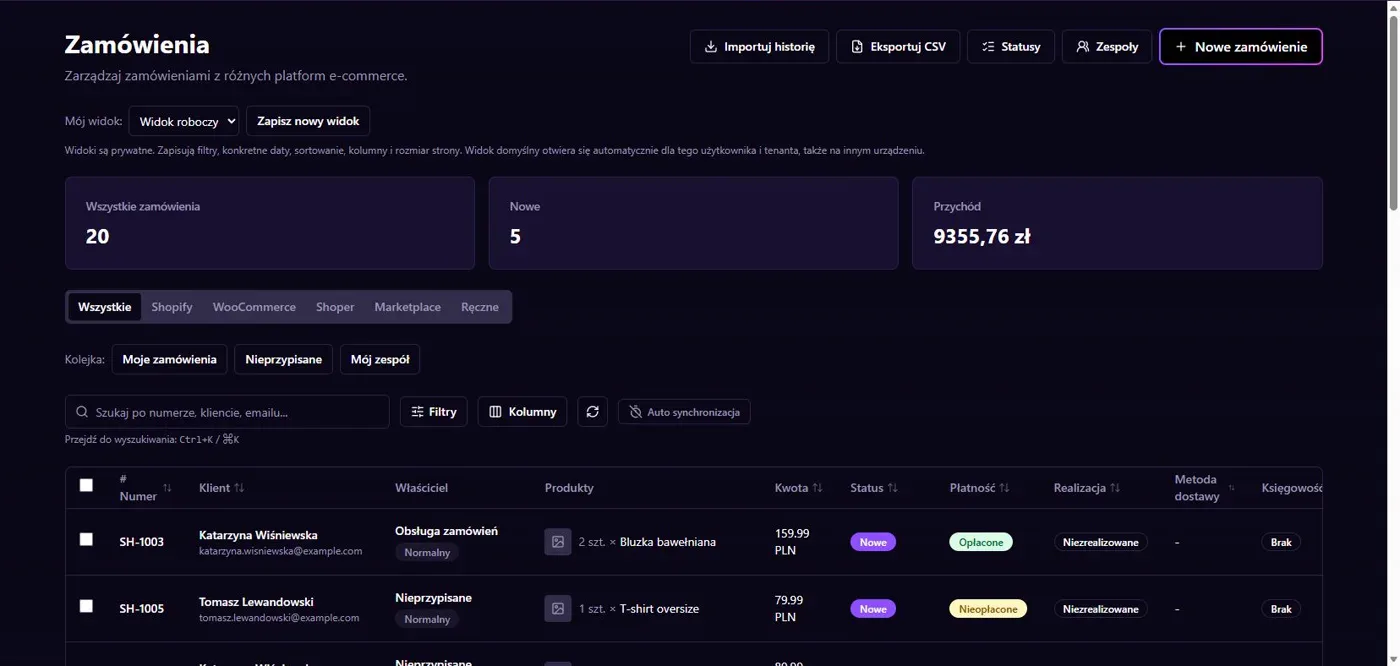
Results in NavyFlame
- Two GLS connection modes
- Pickup and cancellation
Two GLS connection modes
Account configuration selects the API and required credentials. The supported scope is one standard parcel to an address within Germany, without cash on delivery. The connector retrieves PDF labels and tracking data. Do not mix ShipIT identifiers with new Web API identifiers or use credentials from a Polish GLS contract.
Pickup and cancellation
Pickup is available in ShipIT mode. With Web API, arrange collection with GLS. Cancellation is complete only after the supplier API confirms it. Label note settings depend on the chosen mode. Check sender data and account reference numbers before enabling shipments for more orders. A pending request alone is not a confirmed cancellation.
Setup
How to connect GLS Niemcy (ShipIT / Web API) to NavyFlame
We will help with every step, also during the trial.
Prepare access
Obtain GLS Germany API credentials and confirm whether the account uses ShipIT or Web API for Parcel Processing.
Add the connection
Open Integrations in NavyFlame, select GLS Niemcy (ShipIT / Web API) and add an account. Save the required details and check the connection before starting the process.
Choose the scope
Choose API mode, environment and account credentials. Configure label format and note rules for that mode.
Check the result
Compare PDF, shipment number and status with GLS. When cancelling a controlled shipment, verify supplier confirmation.
Related integrations
Check the scope of separate connections for your process. An available connector does not mean every pair of systems is supported.
FAQ
Questions about the GLS Niemcy (ShipIT / Web API) integration
Do both API modes support pickup?
Pickup booking is available with ShipIT. With Web API, arrange collection directly with GLS.
Does clicking cancel complete the cancellation?
Only confirmation from GLS API completes cancellation. If confirmation is missing, check the shipment with the carrier.
Does saving credentials enable every operation?
No. The connection, account permissions and process rules serve separate purposes. Enable the scope you need and check the result before proceeding.
Explore NavyFlame before connecting your account
Try the demo panel, then configure the connection and verify your chosen process with your own account.