
DeepL + NavyFlame
DeepL integration with NavyFlame
Use your own DeepL account to translate product content in NavyFlame. Keep control over the source text, target language and use of the result.
- 28 days free
- Set up in 5 minutes
- Cancel whenever you want
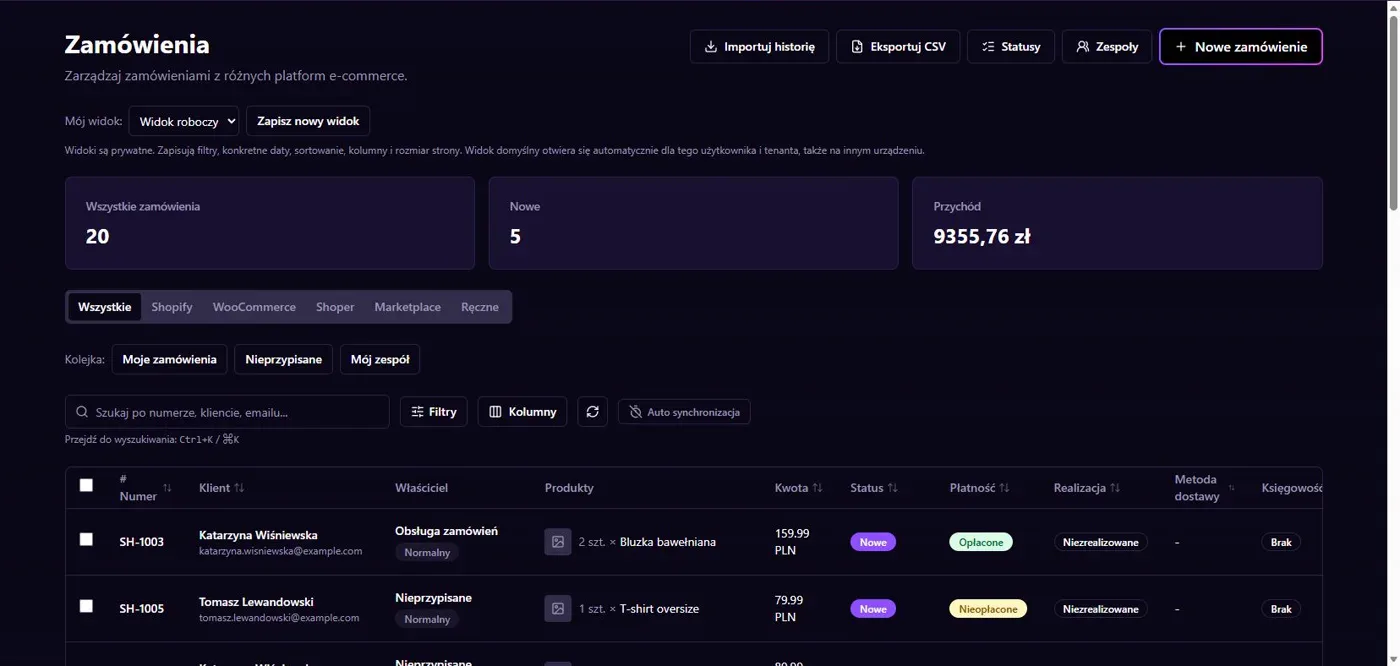
Results in NavyFlame
- Translation through DeepL API
- Review before use in sales
Translation through DeepL API
The connector sends text to DeepL and receives a translation in the chosen language. It supports API Free and Pro keys and selects the corresponding service endpoint. Translation starts from supplied text, so clean up names, parameters and units first. Avoid introducing product claims that are absent from the source information.
Review before use in sales
Check proper names, technical parameters and description formatting after translation. Supported languages and character allowance depend on the DeepL account. Connecting the key does not publish content to every channel or translate the entire store interface. Use the result within the selected product content workflow and verify the final listing separately.
Setup
How to connect DeepL to NavyFlame
We will help with every step, also during the trial.
Prepare access
Prepare a DeepL API Free or Pro key. Browser translator access does not replace API access.
Add the connection
Open Integrations in NavyFlame, select DeepL and add an account. Save the required details and check the connection before starting the process.
Choose the scope
Save the key in the DeepL integration. Choose the product text and target language in the translation tool.
Check the result
Translate a short description and compare units, names and technical parameters before using it in a listing.
Related integrations
Check the scope of separate connections for your process. An available connector does not mean every pair of systems is supported.
FAQ
Questions about the DeepL integration
Do I need DeepL API access?
Yes. The connector needs an API Free or Pro key. Access to the browser translator alone is not an API key.
Does DeepL publish descriptions to my store?
This connector supplies translations. Saving and publishing are separate steps that depend on the sales channel.
Does saving credentials enable every operation?
No. The connection, account permissions and process rules serve separate purposes. Enable the scope you need and check the result before proceeding.
Explore NavyFlame before connecting your account
Try the demo panel, then configure the connection and verify your chosen process with your own account.