
FedEx REST + NavyFlame
FedEx REST integration with NavyFlame
Connect a separate FedEx account directly. Sandbox and production use separate credentials.
- 28 days free
- Set up in 5 minutes
- Cancel whenever you want
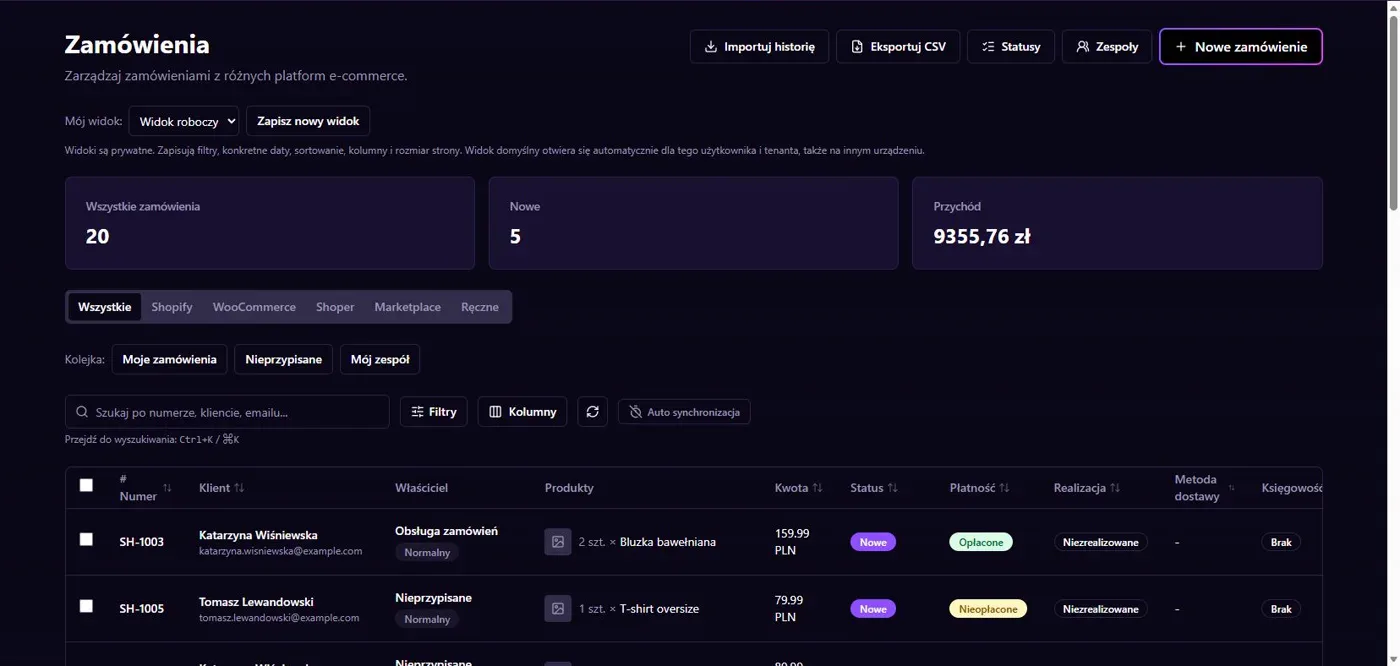
Results in NavyFlame
- Shipment scope
- Pickup and status
Shipment scope
One standard parcel to an address, without COD or additional insurance. Domestic and intra-EU routes without customs clearance. The original PDF is stored for downloads and printing.
Pickup and status
Book pickup separately using this account’s address and opening hours. Quotes are estimates. An OAuth check confirms application authentication, not a shipment or access to every service.
Setup
How to connect FedEx REST to NavyFlame
We will help with every step, also during the trial.
Prepare access
Create a FedEx Developer Portal project with Ship, Track, Pickup and Rates and Transit Times. Prepare Client ID, Client Secret and the account number.
Add the connection
Open Integrations in NavyFlame, select FedEx REST and add an account. Save the required details and check the connection before starting the process.
Choose the scope
Add an account in Integrations, select sandbox and a contracted service. Configure each account’s pickup address separately.
Check the result
Create a sandbox shipment, download the PDF and read tracking. Confirm FedEx permissions and label validation before production.
Related integrations
Check the scope of separate connections for your process. An available connector does not mean every pair of systems is supported.
FAQ
Questions about the FedEx REST integration
Does saving credentials enable every operation?
No. The connection, account permissions and process rules serve separate purposes. Enable the scope you need and check the result before proceeding.
Explore NavyFlame before connecting your account
Try the demo panel, then configure the connection and verify your chosen process with your own account.