
Systim + NavyFlame
Systim integration with NavyFlame
In preparation. Domestic PLN VAT invoices from manual/API orders require acceptance on a Systim test account. Issuance is off by default.
- 28 days free
- Set up in 5 minutes
- Cancel whenever you want
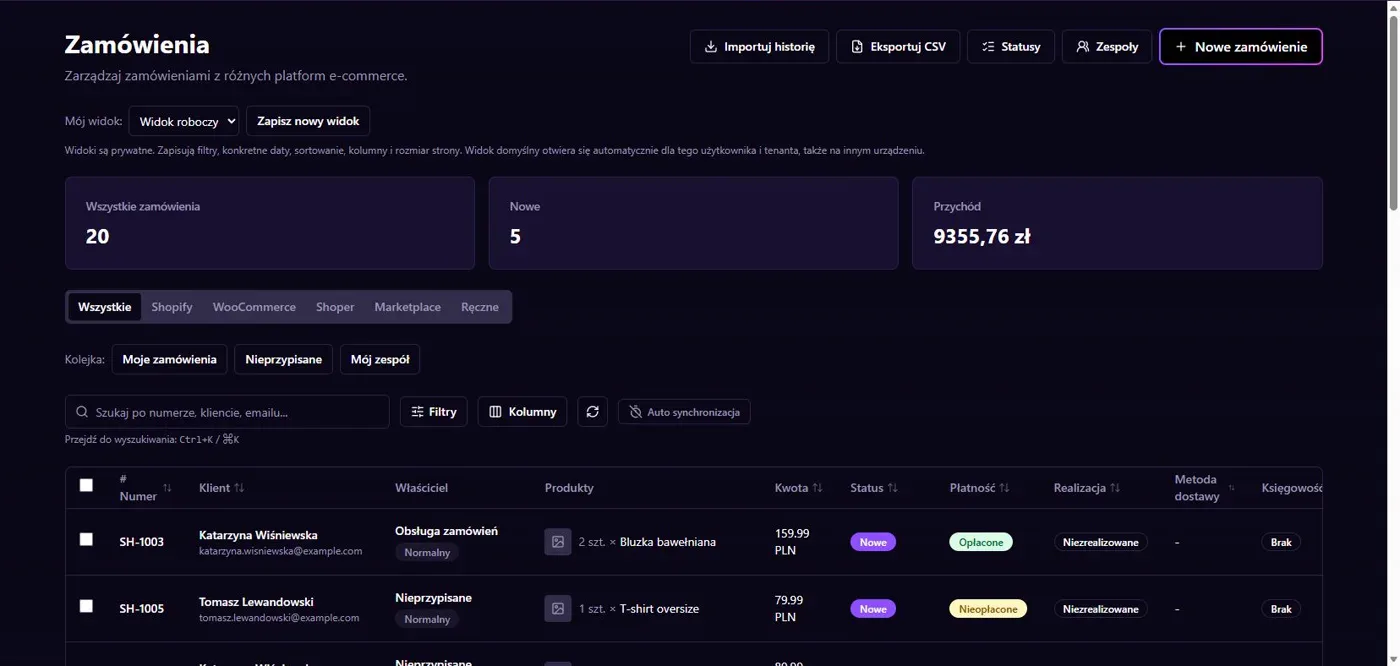
Results in NavyFlame
- Numbering per account
- Scope and access
Numbering per account
Use the template ID and numbering ID visible in Systim Administration. Systim assigns the full number. Verify consecutive API and panel numbers.
Scope and access
This stage provides ERP data reads and domestic VAT invoices. Receipts, automatic corrections, payment settlement and ERP synchronization are not connected. KSeF is managed by Systim.
Setup
How to connect Systim to NavyFlame
We will help with every step, also during the trial.
Prepare access
Generate a separate API password in Systim Users. The API has full access to the account.
Add the connection
Open Integrations in NavyFlame, select Systim and add an account. Save the required details and check the connection before starting the process.
Choose the scope
Configure each account separately. Match SKU to the Systim product code and optionally select the delivery service ID.
Check the result
Verify customer, lines, VAT, totals and consecutive numbering on a test account. Uncertain writes block another attempt.
Related integrations
Check the scope of separate connections for your process. An available connector does not mean every pair of systems is supported.
FAQ
Questions about the Systim integration
Does saving credentials enable every operation?
No. The connection, account permissions and process rules serve separate purposes. Enable the scope you need and check the result before proceeding.
Explore NavyFlame before connecting your account
Try the demo panel, then configure the connection and verify your chosen process with your own account.